Your RMM fired 47 alerts overnight.
Your technician resolved three of them, because no one documented what the other 44 actually meant.
MSPs evaluating the best RMM for MSPs usually focus on familiar features - patching, automation, alerting, remote access, integrations, and pricing.
That's understandable.
But here's what many RMM comparison guides miss:
An RMM only delivers its full operational value when it works alongside structured, centralized IT documentation.
Without context, alerts become noise.
With documentation, alerts become actionable intelligence.
The best RMM software for MSPs isn't necessarily the platform with the longest feature list. It should provide the capabilities your technicians need while fitting into your existing service-delivery workflows.
This post explains:
- Why documentation compatibility should be a core RMM selection criterion
- What features MSPs should look for when evaluating RMM software
- How to choose and compare RMM software for your MSP
- How documentation improves RMM workflows
- How to properly evaluate documentation fit when choosing an RMM
What the Best RMM for MSPs Is Usually Judged On
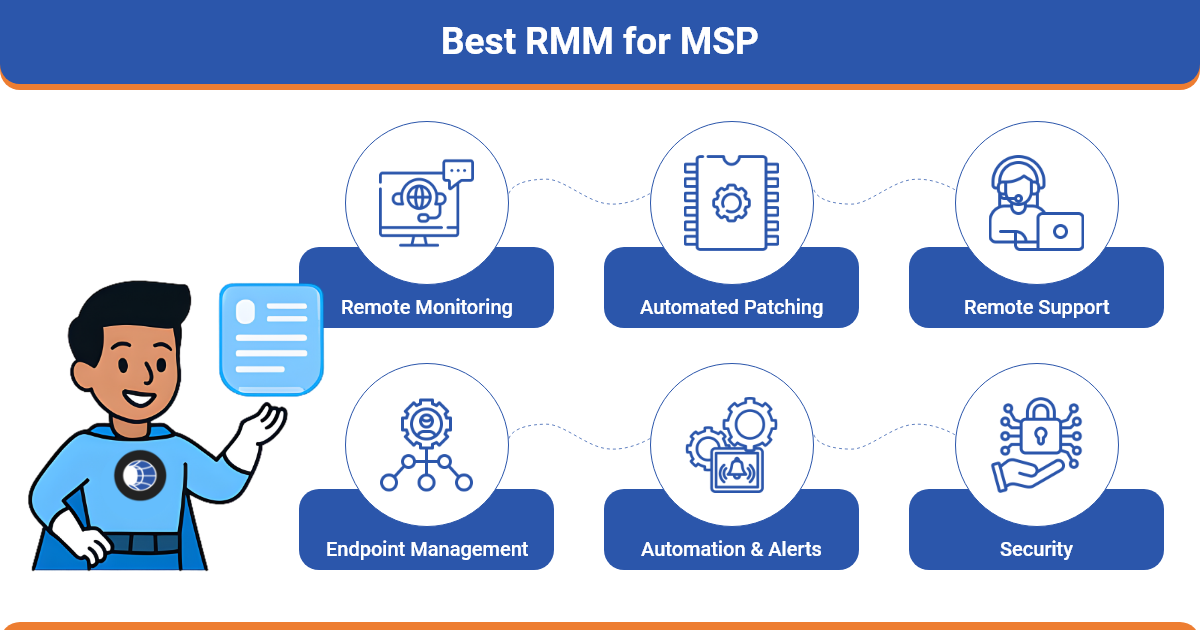
Most MSPs evaluate RMM tools using a familiar checklist:
- Remote access and endpoint visibility
- Automated patch management
- Scripting and task automation
- PSA integrations and ticketing
- Pricing structure (per-endpoint vs. per-technician)
- AI-powered alerting and anomaly detection
- Scalability and multi-client management
- Ease of use for technicians
These capabilities matter.
But they describe what the platform can do - not necessarily how efficiently your team will use it every day.
When comparing RMM MSP software, MSPs should consider both technical capabilities and operational fit. A platform may have extensive features, but those features only create value when technicians can use them efficiently across multiple client environments.
This is where documentation enters the picture.
Even the most powerful RMM MSP software becomes difficult to manage when alerts lack operational context. When technicians must manually search for device roles, configurations, passwords, dependencies, or procedures, response time increases and alerts can pile up.
Structured documentation platforms like IT Portal help solve this by organizing assets, configurations, credentials, and operational information in a way technicians can reference when alerts occur.
The goal is not simply to choose the RMM with the most features. It is to choose an RMM that supports the way your MSP actually manages clients, endpoints, technicians, and service workflows.
Why IT Documentation Determines How Well Your RMM Performs
Documentation gives RMM alerts their operational context.
Without documentation, technicians troubleshoot blindly.
With documentation, they can troubleshoot with greater clarity and access the information needed to determine the appropriate response.
Here are the three biggest ways documentation improves RMM effectiveness.
1. Alerts Gain Immediate Context
An alert without context wastes diagnostic time.
Example:
- Disk space alert fires
- Technician must investigate manually
- Root cause takes longer to identify
With centralized documentation:
- Device role is visible
- Installed applications are documented
- Storage baselines are known
Platforms like IT Portal allow technicians to quickly reference linked assets, configurations, and environment details helping them determine whether an alert represents a real risk or routine maintenance.
This is particularly important when an MSP manages multiple clients and needs technicians to understand an unfamiliar environment quickly.
2. SOPs Turn Alerts into Consistent Action
Alerts are only useful if technicians know exactly what to do next.
Documented procedures remove guesswork.
Example:
Patch failure occurs.
With documentation:
- Dependencies are known
- Custom configurations are documented
- Recovery steps are standardized
This enables consistent remediation across technicians and clients.
It also helps MSPs turn recurring issues into repeatable processes rather than relying on individual technician experience.
3. Documentation Reduces Tribal Knowledge
Many MSP environments rely heavily on technician memory.
That creates risk.
Centralized documentation solves this by providing:
- Device history
- Network maps
- Credential references
- Operational runbooks
Solutions like IT Portal structure documentation so technicians can quickly locate information linked to assets and systems managed by the RMM.
The result:
- Faster onboarding
- Less technician dependency
- More consistent service delivery
What "Best RMM for MSP" Articles Get Wrong
Most comparison articles rank tools heavily on features.
Very few evaluate how well those capabilities fit into an MSP's actual workflow.
Important operational risks often ignored include:
- Configuration drift caused by poor documentation
- SLA breaches from inconsistent technician responses
- Compliance failures due to missing documentation audit trails
- Alert fatigue from unclear device context
This gap explains why an MSP can adopt a powerful RMM platform and still experience daily operational challenges.
A better evaluation asks more than "Which RMM has the most features?"
It asks:
"Which RMM best fits our technicians, clients, workflows, and service-delivery requirements?"
That distinction is important when determining which RMM platforms are most suitable for an MSP.
Real-World Example: How Documentation Improves RMM Response
Consider a common scenario.
An RMM platform triggers a CPU utilization alert.
Without documentation:
- Technicians investigate manually
- Device purpose is unclear
- Application dependencies are unknown
- Resolution takes longer
With structured documentation:
- The technician immediately sees the device role
- Business criticality is documented
- Linked SOPs guide response steps
- Dependencies are already mapped
Instead of guessing, the technician has the context needed to investigate the issue more efficiently.
Documentation turns alerts into informed decisions.
For MSPs managing multiple client environments, this context can be particularly valuable because technicians may need to respond to systems they do not work with every day.
Scenarios Where Documentation Makes Your RMM Perform Better
When documentation and RMM systems work together, several MSP workflows improve dramatically.
Incident Response
- Documented network maps accelerate root cause analysis
- Asset relationships reveal affected systems quickly
- Device and configuration information gives technicians additional context
New Client Onboarding
- Documented inventories simplify RMM agent deployment
- Asset details help automation rules activate correctly
- Existing documentation gives technicians a clearer understanding of the client environment
Alert Response and SOP Execution
- Linked procedures standardize technician actions
- Escalations follow clear documentation paths
- Known remediation steps reduce unnecessary investigation
Team Transitions
- Documentation prevents service disruption when staff change
- New technicians ramp up faster
- Operational knowledge remains accessible instead of residing with individual technicians
Documentation-First Criteria for Choosing the Best RMM for MSP
When evaluating RMM MSP software, add documentation compatibility to your checklist:
Ask the following questions:
- Does the platform integrate with your documentation system?
- Can asset and device data sync via API?
- Can SOPs or runbooks be linked within alert workflows?
- Do audit logs support compliance documentation?
- Does it support role-based access for client environments?
These questions determine whether your RMM can scale operationally alongside your MSP.
When choosing RMM software, also consider how documentation fits into the broader service-delivery workflow. The best RMM for an MSP should not operate in isolation from the systems technicians rely on to understand client environments and execute standardized procedures.
Documentation platforms like IT Portal are designed to complement RMM workflows by organizing environment data, not replacing RMM monitoring or automation capabilities.
The Bottom Line
The best RMM for MSP isn't just the one with the most features.
It's the one that fits your technical requirements, technician workflows, client environments, and operational processes.
When evaluating RMM software, prioritize the capabilities your MSP actually needs - monitoring and alerting, remote access, patch management, automation, scripting, integrations, scalability, and pricing.
Then consider how well the RMM works with your documentation and operational workflows.
Strong documentation provides the context that turns alerts into action and automation into real efficiency.
The right combination can help technicians respond more consistently, reduce dependency on individual knowledge, and deliver a more scalable MSP service.
Ready to get more from your RMM?
Explore IT Portal Documentation or Book a Demo
Frequently Asked Questions
The best RMM for MSPs combines monitoring, alerting, patch management, remote access, automation, integrations, and scalability while fitting the MSP's technician workflows and client requirements.
The best RMM software for MSPs balances core features, automation, integrations, scalability, pricing, and usability. Documentation compatibility is also important for giving technicians the context needed to resolve alerts efficiently.
The most suitable RMM platforms are those that provide reliable monitoring, automation, remote access, patch management, integrations, scalability, and efficient workflows across multiple client environments.
Choose RMM software by comparing monitoring, alerting, patch management, automation, integrations, scalability, pricing, and technician usability against your MSP's specific operational requirements.
MSPs should look for monitoring, alerting, remote access, patch management, automation, scripting, PSA integrations, reporting, scalability, and multi-client management. Documentation compatibility can further improve technician efficiency.


