Most IT teams prep for an audit by racing to pull together evidence the week before it starts.
Fewer stop to understand who is actually asking for it and why.
Knowing what an IT auditor does, not just what they ask for, changes how you prepare and usually how well the engagement goes.
What Is an IT Auditor?
An IT auditor evaluates whether your systems, controls, and processes actually work the way your policies say they do.
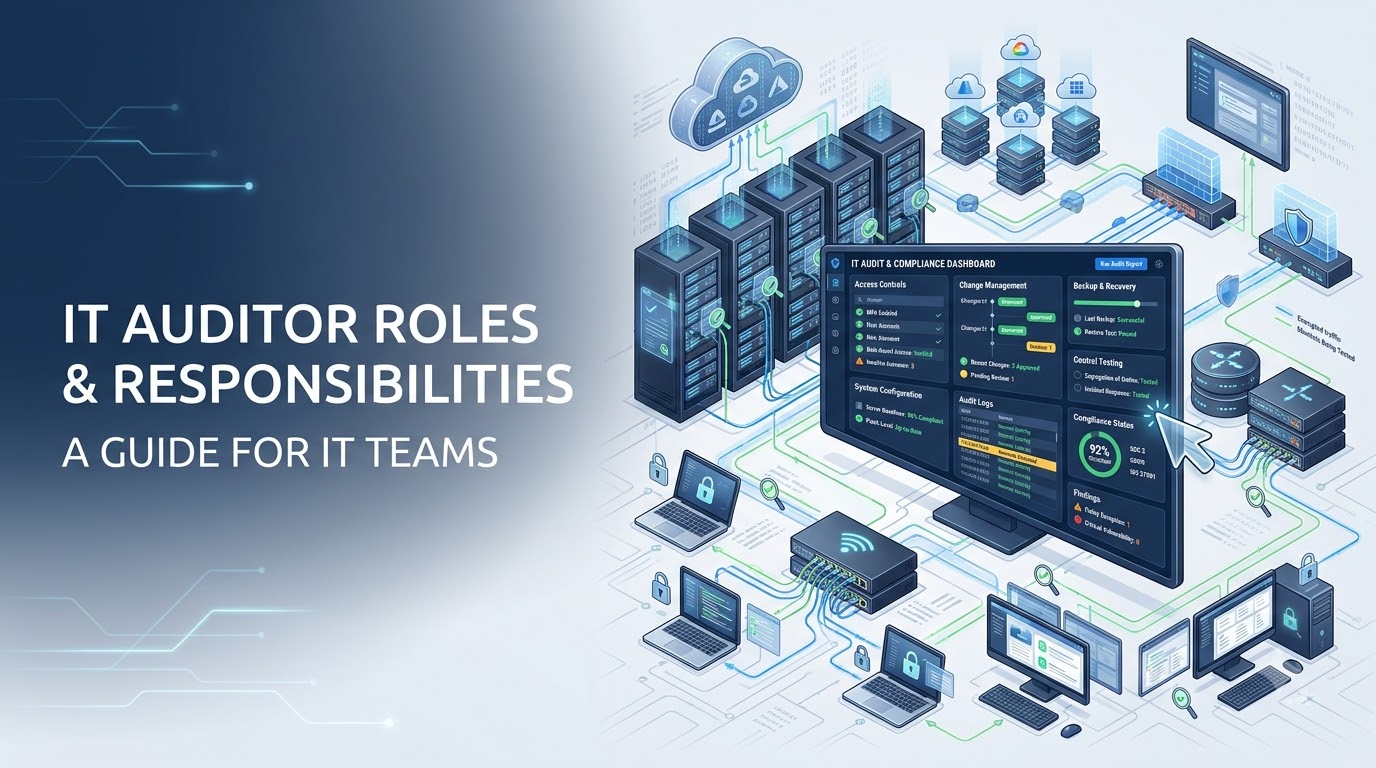
That can include access controls, change management, backup and recovery, asset inventories, system configurations, and how well your documentation holds up against what is actually running in production.
Types of IT Auditors
Internal auditors work for your organization year-round. External auditors come from a third-party firm and are usually tied to a specific certification, client requirement, or compliance review.
There is also a difference between an IT auditor, a compliance auditor, and an information security auditor. A compliance auditor usually focuses on a specific framework like SOC 2 or HIPAA. An information security auditor is often more focused on security controls.
Some auditors are generalists covering a broad control set. Others specialize in one framework, industry, or technical environment.
Core Roles and Responsibilities
The work usually breaks into three phases.
First, risk assessment and testing. Auditors evaluate IT general controls (ITGC) and application controls (ITAC) against your stated policies.
Second, evidence review. They request documentation, screenshots, logs, configurations, and records to confirm controls are operating, not just written down.
Third, reporting. Findings are documented, and your team is expected to remediate gaps on a set timeline.
Key Skills and Certifications
Many auditors carry a CISA (Certified Information Systems Auditor) or CRISC (Certified in Risk and Information Systems Control) credential.
The job leans technical, but communication matters just as much. A good auditor can explain a finding to your CFO as clearly as they can explain it to your sysadmin.
How IT Auditors Work with IT Teams
Auditors typically start with IT leadership, then work down to the people who actually manage the systems in scope.
The kickoff call usually confirms the audit scope, timeline, systems being reviewed, key contacts, evidence expectations, and communication process. IT leaders, compliance leads, security leads, system owners, and sometimes finance or operations stakeholders may be involved depending on the audit.
Early evidence requests often include asset inventories, access review records, user lists, change approvals, backup and recovery documentation, system configurations, policies, SOPs, and logs.
Follow-up questions are normal. They usually happen when evidence is incomplete, screenshots do not match policies, ownership is unclear, or an auditor needs to confirm how a control works in practice.
Before the findings review, teams should confirm that requested evidence has been provided, open questions have clear owners, and any known gaps are documented with next steps.
Why Documentation Quality Affects the Audit Experience
Audit preparation becomes harder when documentation is scattered, outdated, or owned by only one person.
For example, an auditor may request proof of an access review, but the approval notes are in a ticket, the user list is in another tool, and the related policy is stored in a shared drive. That turns a simple request into a search project.
The same issue can happen when an IT manager needs to find who approved a change, a compliance lead needs backup and recovery documentation, or a technician has to prove that an SOP is current.
Strong documentation helps teams answer audit questions with more confidence because asset records, access details, SOPs, change history, and ownership information are easier to find and review.
Common Documentation Auditors Request
Expect requests for asset inventories, access logs, system configurations, change records, backup and recovery documentation, and SOPs.
Auditors may also ask for evidence showing who reviewed access, who approved a change, when a policy was last updated, or how a recurring process is performed.
Audit trail and log requests can move more smoothly when logs are organized and the team knows where to find the records connected to each system.
How Structured Documentation Makes Audits Easier
Most audit delays come from records scattered across drives, tickets, disconnected tools, and someone's memory.
A centralized, hierarchical documentation system with asset records, access details, SOPs, and change history can help teams respond to audit requests more efficiently.
Instead of spending time searching for context, IT teams can focus on reviewing the request, confirming accuracy, and providing the right evidence.
For MSPs and internal IT teams, this is especially useful when multiple client environments, departments, systems, vendors, and access levels are involved.
Structured documentation does not guarantee audit results, but it can support audit preparation by making critical records easier to locate, review, and keep current.
Ready to see how structured documentation can support audit preparation? Book a live demo today.


