Spreadsheets work at small scale, but break quickly as server count grows. Beyond ~50 servers, version conflicts, outdated records, and slow incident response become unavoidable.
MSPs and IT teams evaluating a server documentation tool often start with features. But the real differentiator isn't just storage, it's structure, relationships, and scalability. Purpose-built tools like IT Portal solve this by introducing structured documentation, relationships, and integration-driven updates.
This post walks through what a modern server documentation tool should do, why documenting servers manually stops working, and how the right server documentation software keeps your infrastructure visible, linked, and audit-ready.
What Is a Server Documentation Tool?
A server documentation tool is a platform that centralizes, structures, and maintains records for every server in your IT environment. It goes far beyond a place to store notes.
It captures:
- Server identity (hostname, asset tag, location, assigned client or department).
- Operating system details (type, version, patch level, last update).
- Server role and function (what it does, services it runs, business impact).
- Network details (IP address, subnet, VLAN, DNS records, firewall rules).
- Installed applications and services (versions, license associations).
- Dependencies and integrations (what relies on this server and what it relies on).
- Credentials and access (admin accounts, service accounts with role-based controls).
- Maintenance history (patches, configuration changes, incidents).
- Backup and recovery (job name, schedule, retention, last successful backup).
Unlike general wikis or shared drives, a true server documentation tool enforces consistency through templates and links related records together.
How Server Documentation Tools Differ from Spreadsheets and Wikis
| Feature | Spreadsheets / Wikis | IT Portal Server Documentation Tool |
|---|---|---|
| Structure & Consistency | None, every engineer differs | Enforced templates & required fields |
| Relationship Linking | None | Automatic linking of dependencies |
| Audit Trail & Change History | None | Built-in & automatic |
| Role-Based Access Control | None | Full RBAC & credential security |
| RMM / Discovery Integration | Manual entry only | Populates records via RMM integrations and flags changes for review |
| Scalability at 100+ Servers | Breaks quickly | Designed to grow with you |
| Mobile & Search Access | Limited | Full-text search + mobile ready |
IT Portal extends this further with structured relationships and centralized visibility across all infrastructure records.
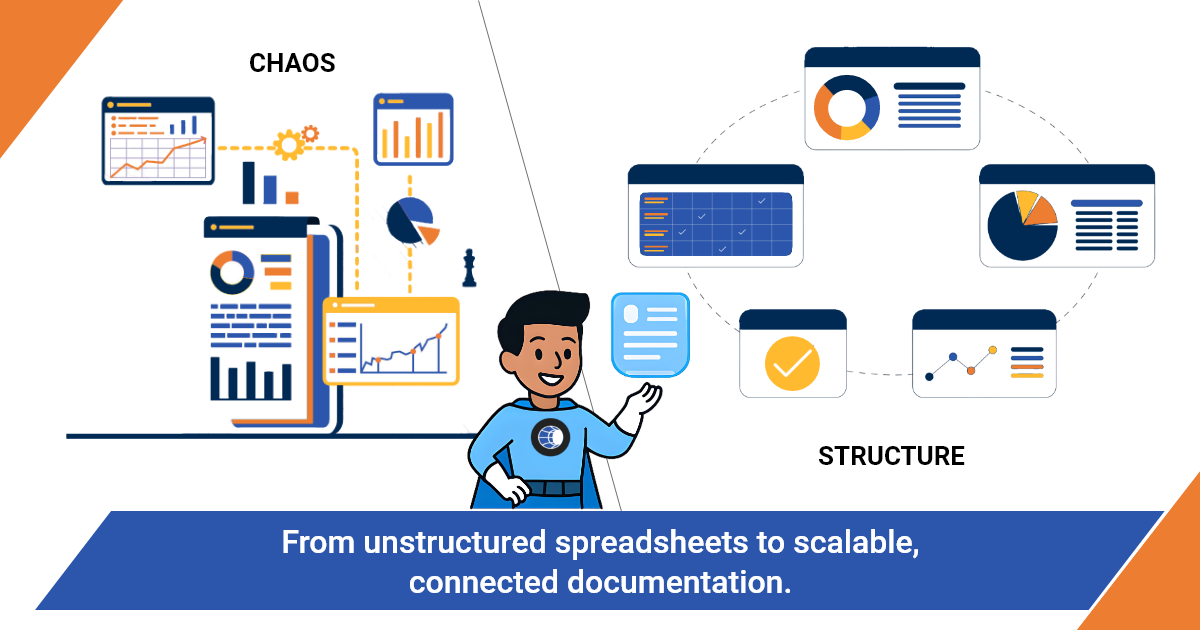
Spreadsheets have no structure enforcement, every engineer documents differently, and records decay without audit trails.
Wikis store information but have no relationships, server records don't connect to network docs, credentials, or runbooks.
Purpose-built server documentation software enforces consistency through templates and automatically links related records. At scale, the difference between a structured tool and a document repository is retrievable information versus searchable chaos.
IT Portal takes this further with hierarchical structure and enables structured linking between related infrastructure records so every record stays connected and audit-ready.
Why Server Documentation Matters for IT Teams and MSPs
Server documentation is the foundation of incident response.
Outage resolution speed depends on how fast the team can answer: what does this server do, what does it connect to, how do we fix it? Undocumented servers require triage from scratch. Well-documented servers turn an incident into a structured resolution process.
Documentation at scale enables any technician to work any server.
Small teams carry server knowledge in memory. It works until someone leaves. At scale, relying on individual knowledge is unsustainable. Structured server documentation allows any qualified technician to work any server confidently. For MSPs, this means any team member can support any client environment.
Compliance and audit requirements demand documented server configurations.
SOC 2, ISO 27001, HIPAA, and CMMC require documented evidence of system configurations, access controls, and change management. Auditors need records, not verbal assurances. Server configuration documentation is a compliance deliverable in regulated environments.
Infrastructure growth without documentation creates compounding risk.
Every undocumented server added increases operational and security risk. Unpatched servers, uncovered backup jobs, and unmonitored services all start with an undocumented server. Documentation gaps grow faster than the infrastructure does.
What Should Be Included in Server Documentation
The Core Record (Required Fields)
- Hostname, asset ID, and location
- OS version and patch level
- Server role and business function
- IP, DNS, and network details
- Installed applications and licenses
- Backup configuration
The Operational Layer (Makes It Useful)
- Dependencies and integrations
- Linked runbooks
- Network references
- Change and maintenance logs
The Lifecycle Layer (Keeps It Relevant)
- Procurement and warranty
- Lifecycle milestones
- Review history
Challenges of Managing Server Documentation Manually at Scale
Version Drift
- The documentation that was accurate six months ago.
- Every configuration change not recorded immediately creates a gap.
- At scale, changes happen constantly, records fall out of sync within weeks.
Inconsistency Across Engineers and Environments
- Without enforced templates, every engineer documents differently.
- An MSP with five technicians may have five different documentation styles across the same client environments.
No Relationships
- Documentation that exists in isolation.
- A server record in a spreadsheet or wiki doesn't link to its network documentation, credentials, runbooks, or dependent systems.
Access and Security Problems
- With shared document systems.
- Shared spreadsheets with server credentials have no audit trail.
- File-based systems have no role-based access control.
Key Features to Look for in a Server Documentation Tool
Structured Templates That Enforce Documentation Consistency.
- Pre-built server documentation templates with required fields.
- Custom fields for environment-specific details.
- Template enforcement at the platform level, not dependent on individual discipline.
Relationship Linking Between Servers, Networks, and Dependencies.
- Server records that connect directly to network documentation, credential records, runbooks, and dependent systems.
- Dependency mapping lets you visualize what relies on each server.
- Cross linked records mean a technician has everything needed from a single starting point.
Credential Management with Role-Based Access and Audit Trails.
- Administrative and service account credentials stored within the server record.
- Role-based access control and full audit logs.
- MFA enforcement on credential access.
RMM and Discovery Integration for Automated Record Population.
- Integration with RMM tools that pushes discovered servers into the documentation platform as structured records.
- Automated population of hardware specs, OS version, installed software, and patch status.
- Change detection. When RMM data changes, the platform flags the relevant server record for review.
- Reduces manual data entry.
Search, Retrieval, and Mobile Access for Incident Speed.
- Full-text search across all server records.
- Filter by client, site, OS, role, IP range, or any custom field.
- Mobile-accessible records for technicians working on-site.
- Search a server, immediately access its network docs, credentials, and runbooks.
Best Practices for Documenting Servers at Scale
Standardize Before You Scale
Templates first, population second. Define the documentation standard before adding servers.
Make Documentation Part of the Change Workflow, Not Separate from It.
Every server deployment, configuration change, or decommission generates a documentation task completed before the ticket closes.
Link Server Records to Every Related Infrastructure Document.
Each server record links directly to network documentation, backup configuration, credentials, runbooks, and dependent systems.
Assign Documentation Ownership and Review Cadence by Role.
Documentation ownership assigned by role, not individual - survives staff turnover. Quarterly reviews of critical server records.
How Modern IT Documentation Platforms Improve Server Documentation
Centralized Infrastructure Documentation That Replaces Scattered Records.
All server records in a single, structured, searchable environment.
Automation That Reduces Manual Effort in Keeping Records Current.
RMM integrations push updated hardware specs, OS versions, and installed software into server records automatically.
Multi-Tenant Architecture for MSPs Managing Multiple Client Environments.
Each client's server documentation maintained in an isolated, consistently structured environment.
Where IT Portal Fits in the Server Documentation Workflow.
IT Portal is built specifically for MSPs and IT teams that need to centralize and manage infrastructure documentation at scale. Server records connect directly to network documentation, credential vaults, runbooks, and asset records. RMM and PSA integrations keep server records current. Structured templates, required fields, and role-based access controls and hierarchical structure make documentation consistent and audit-ready at any scale.
Benefits of Using a Server Documentation Tool
Faster Incident Resolution Across Any Environment.
Technicians access complete server records from a single location. Reduced escalation chains.
IT Portal's audit-ready reporting and centralized platform give technicians complete context from a single starting point.
Consistent Documentation Across Growing Teams and Environments.
Enforced templates mean every server record follows the same structure. New team members onboard faster.
Reduced Risk from Configuration Drift and Undocumented Changes.
Server records with change history make configuration drift visible.
Audit and Compliance Readiness Built into Daily Operations.
Server configuration documentation maintained in the platform is audit-ready at any time.
The Documentation Ceiling Is a Choice, Not an Inevitability
Manual server documentation fails because it was never designed to scale. The ceiling is predictable. It appears when infrastructure complexity outgrows the tools being used to document it.
Recognizing that ceiling early - before an incident, audit, or staff departure exposes it helps to separate proactive IT operations from reactive ones.
When you replace spreadsheets with a structured server documentation tool, you stop chasing outdated records and start delivering faster resolutions, consistent processes, and audit-ready infrastructure.
IT Portal provides that foundation with hierarchical structure, linked dependencies, audit-ready reporting, and RMM integrations that help keep records current by surfacing changes from connected systems.
Your servers become more reliable and responsive when they sit on top of clean, structured documentation.
Ready to move beyond spreadsheets and make server documentation scale with your infrastructure?


