This guide offers clear strategies to integrate license tracking into your software documentation tool, reduce audit stress, cut compliance risks, and turn documentation into a real asset, not a scramble.
In today's environment, effective software licenses documentation is essential. Many teams keep technical details in one place and licenses/contracts in another, creating gaps that lead to longer audits, higher costs, and compliance risks.
Insights from Gartner highlight how integrated tools help manage growing software/cloud complexity and avoid unnecessary expenses.
What a Strong Software Documentation Tool Should Include
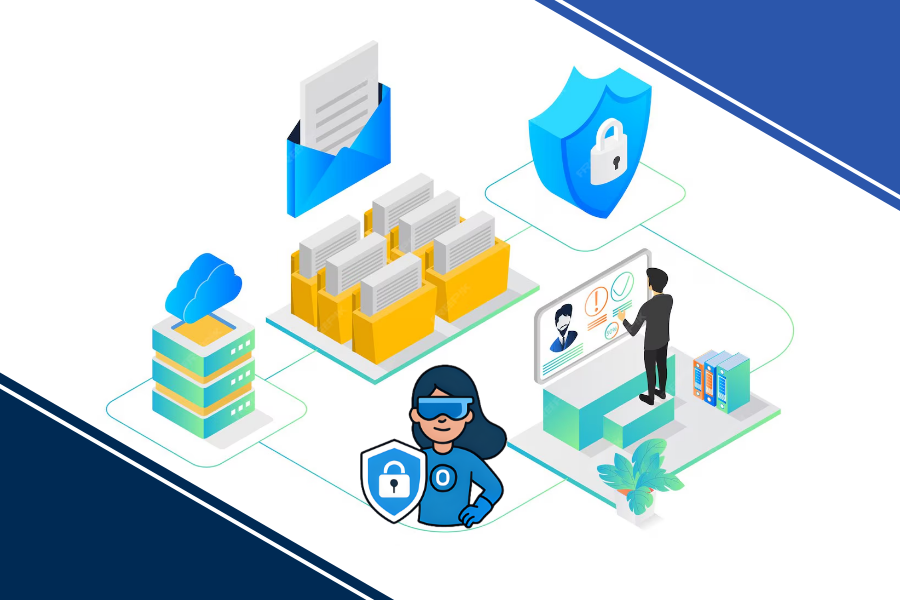
A comprehensive software documentation tool centralizes technical configs, workflows, and compliance records including licenses, contracts, and entitlements, all in one secure system.
Three key areas:
- Technical details: Configs, network maps, procedures.
- Operational records: Assets, passwords, change logs.
- Compliance essentials: Contracts, usage rights, renewals.
IT Portal's approach: Links assets directly to licenses via hierarchy (Companies > Sites > Devices), making everything traceable and audit-ready.
The Common Gap: Why Licenses Often Get Left Behind
Many technical documentation software options handle configs well, but treat IT license documentation as secondary.
That's why fragmented records mean longer audits and higher risks. IT Portal's native linking and reporting close this without workarounds.
IT license documentation requires version history, granular access controls, and complete traceability - capabilities that basic technical documentation software simply wasn't designed to provide.
How Tools Compare for License Management
Quick comparison:
| Feature | Basic Wikis/Spreadsheets | Dedicated Tools (like IT Portal) |
|---|---|---|
| License Tracking | Manual, error-prone | Automated with asset links |
| Audit Reports | None/manual | One-click, exportable |
| Version Control | Limited/none | Full history & trails |
| Access Controls | Basic | Role-Based (RBAC) |
| Asset-to-License Links | No | Native, hierarchical |
| Best For | Small teams | Enterprises & MSPs |
IT Portal advantage: Combines ease with enterprise-grade linking/reporting at practical pricing.
Essential Features for Effective License Documentation
Look for:
- Secure storage: RBAC (Role-Based Access Control), encryption for sensitive contracts.
- Traceability: Version history, audit trails.
- Integration: Direct asset-license connections.
- Reporting: Quick compliance exports.
- Scalability: Multi-team/MSP support.
IT Portal delivers these natively, plus flexible cloud/on-prem options for your needs.
Real-World Impact
Teams using integrated tools see clear wins:
- Faster audits: One public sector client cut prep from months to days with linked records.
- Better renewals: A leading energy firm avoided surprise bills by tracking terms/usage centrally.
- Smoother transitions: New hires ramp 50-70% faster; knowledge stays put.
Did you know?
Forrester's analysts keep pointing out how poor license management drives up audit defense costs and leaves money sitting on the table as "shelfware."
Best Practices to Get Started
- Inventory licenses: List contracts, entitlements, and usage rights first.
- Centralize in one tool: Choose one with native license support.
- Set ownership/RBAC: Clear access rules.
- Enable trails/history: For every change.
- Review regularly: Tie to renewals, quarterly at minimum.
- Avoid: Static PDFs or spreadsheets, they don't scale.
The Bottom Line: Make Documentation a Strength
A strong software documentation tool with integrated software licenses documentation reduces risks, saves time, and supports better decisions.
IT Portal has helped teams since 2007 with hierarchical structure, asset-license linking, and audit-ready reporting, turning compliance from worry to confidence.
Ready to close your gaps? Book a demo and we'll show how it fits your setup.


