IT Documentation for IT Team
Empower your IT team with centralized documentation, asset visibility, and operational clarity.
One Platform, Complete Control
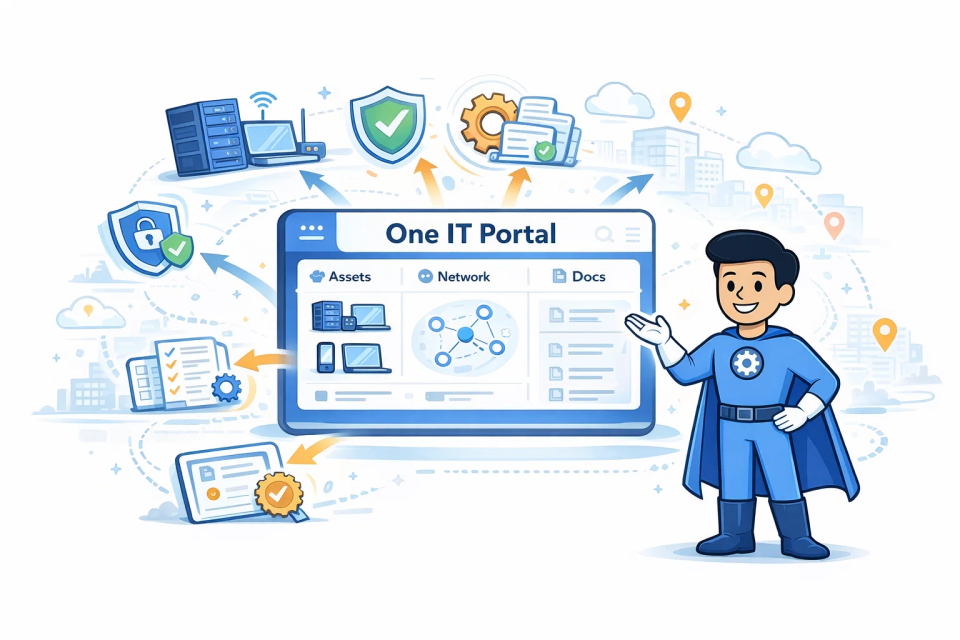
IT Portal consolidates all your IT knowledge, from device inventories to passwords, network topology, software licenses, and runbooks into a single searchable platform designed for internal IT teams managing departments, business units, facilities, and enterprise locations.
Customers report reduced incident response time by 50%, maintain regulatory compliance automatically, manage software licenses efficiently, and eliminate documentation sprawl across your IT departments.
Key Value Propositions:
- Complete Asset Visibility
- Eliminate Documentation Chaos
- Automate Time-Consuming Tasks
- Reduce Downtime & Risk
Why IT Departments Choose IT Portal
IT Portal simplifies your IT operations by providing a centralized platform for managing assets, automating tasks, and improving collaboration.
Designed for real-world internal IT challenges such as managing change across complex environments, preparing for audits, reducing dependency on individual technicians, and maintaining visibility across multiple sites, IT Portal helps IT leaders maintain control, consistency, and operational clarity as their environments scale.
-
01
Improved Efficiency with Intelligent Organization
Structure your IT infrastructure by Sites and Facilities to match your organizational layout - headquarters, branch offices, data centers, and remote locations. Quickly locate equipment, track assets across buildings, and manage resources by department or location. Automated network discovery and bulk import tools eliminate hours of manual documentation.
-
03
Centralized Asset Management by Location
Track every asset from servers to software licenses organized by physical and logical location. Map devices to specific cabinets in server rooms, assign equipment to departments, and maintain detailed histories. Use QR codes and mobile apps to update asset information on-site. The hierarchical structure ensures you always know what's where, who's responsible, and when maintenance is due.
-
05
Reduced Downtime with Relationship Mapping
Visualize dependencies between systems, services, and infrastructure components. Understand which applications rely on specific servers, which network segments serve critical systems, and how facilities interconnect. When issues arise, quickly identify affected services and locate documentation for rapid resolution. Proactive expiration tracking prevents certificate and warranty surprises.
-
07
Increased Team Productivity with Smart Search
Find any piece of information in seconds with powerful search across all Sites and Facilities. Access documentation from mobile devices during on-site work. Templates and cloning features accelerate documentation of similar systems. Automated alerts notify relevant team members about expirations, changes, or issues specific to their assigned locations.
-
09
Security and Compliance by Location
Implement different security policies for different facilities based on regulatory requirements, supporting internal audit readiness and alignment with frameworks such as ISO 27001, SOC 2, and enterprise governance standards. Track compliance certifications, audit trails, and security assessments by Site. Document data sovereignty requirements for international locations. Granular permissions ensure users only access information for their authorized facilities while maintaining central security oversight.
-
11
Exceptional Customer Service
Providing an exceptional customer experience is one of IT Portal's core values. Our world-class customer service is personalized to each client, making onboarding or transitioning from another solution easy and seamless.
-
02
Enhanced Visibility Through Synopsis View
Get instant bird's-eye visibility of your entire IT ecosystem with Synopsis View. See counts of devices, licenses, warranties, and documentation organized by location. Quickly identify which facilities have aging equipment, expiring warranties, or security vulnerabilities. Drill down from organization-wide metrics to specific cabinet-level details in seconds.
-
04
Improved Collaboration Across Teams
Break down silos between network, server, security, and help desk teams with shared documentation. Grant role-based access by Site or Facility - let branch IT staff manage their local resources while maintaining central oversight. Real-time updates ensure everyone works from the same information, reducing miscommunication and duplicate efforts.
-
06
Reduced Costs Through Resource Optimization
Synopsis View reveals underutilized resources, redundant licenses, and upcoming renewals across all locations. Consolidate vendors by facility, negotiate better contracts with complete asset visibility, and eliminate shadow IT. Track software usage by department to right-size licensing. Automated documentation reduces labor costs while improving accuracy.
-
08
Improved Decision-Making with Comprehensive Reports
Generate reports by Site, Facility, or department to support budgeting and planning. Compare resource utilization across locations to identify best practices. Track IT maturity metrics by facility to prioritize improvements. Export data for presentations to leadership with clear visualizations of your IT landscape and investment needs.
-
10
Cost-Effective Enterprise Documentation
Replace multiple specialized tools with one comprehensive platform that scales from small departments to global enterprises. Flat-rate pricing tiers provide budget predictability. Free company users allow stakeholders and auditors read-only access without additional costs. The investment pays for itself through improved efficiency and reduced downtime.

Ready to End Documentation Chaos?
Bring order to chaos with a single, organized view of your IT assets. Eliminate spreadsheets and scattered tools, and instantly know what you own, who has it, and where it lives - minus the cost and complexity.
Must-Have Features in an IT Documentation Solution for IT Teams
Device Import
Automatically discover and import devices from your network. Eliminate manual documentation with intelligent scanning.
Network Import
Automatically map your network topology. Organize by IP ranges, subnets, and locations for complete visibility.
Scoreboard
Get bird's-eye visibility of your entire IT ecosystem. View counts of devices, licenses, warranties, and documentation at a glance.
Password Management
Securely store, manage, and rotate passwords with encrypted vaults. Control access with granular permissions.
Integrations
Connect seamlessly with PSA, RMM, Microsoft 365, and other IT tools for unified management.
Templates
Accelerate documentation of similar systems with customizable templates and intelligent cloning features.
Frequently Asked Questions
IT Portal centralizes all IT knowledge on a single searchable platform, eliminating scattered spreadsheets and siloed information. Teams access documentation from any device, templates accelerate repetitive tasks, and automated alerts keep everyone updated on changes and expirations.
Teams can store passwords, device configurations, network details, software licenses, agreements, contacts, IT processes, knowledge bases, forms, and runbooks. The platform provides technical information your team needs for reference.
Complete audit trails show who accessed what information and when, supporting internal audits and compliance reviews aligned with standards like ISO 27001 and SOC 2. Relationship mapping displays dependencies clearly. Automated compliance tracking monitors certifications and expiration dates, making audit preparation simple and organized.
Document device specifications, locations, ownership, warranty dates, software licenses, passwords, configurations, dependencies, maintenance schedules, and change history. The more detailed your documentation, the faster teams can resolve issues.
Clear, current documentation enables faster change assessment by showing system dependencies and affected services. Change history tracks all modifications, ensuring teams understand what changed and why, reducing the risk of deployment errors.

