IP Access Control
Control Portal Access by Network Location: Require Extra Authentication Outside the Office
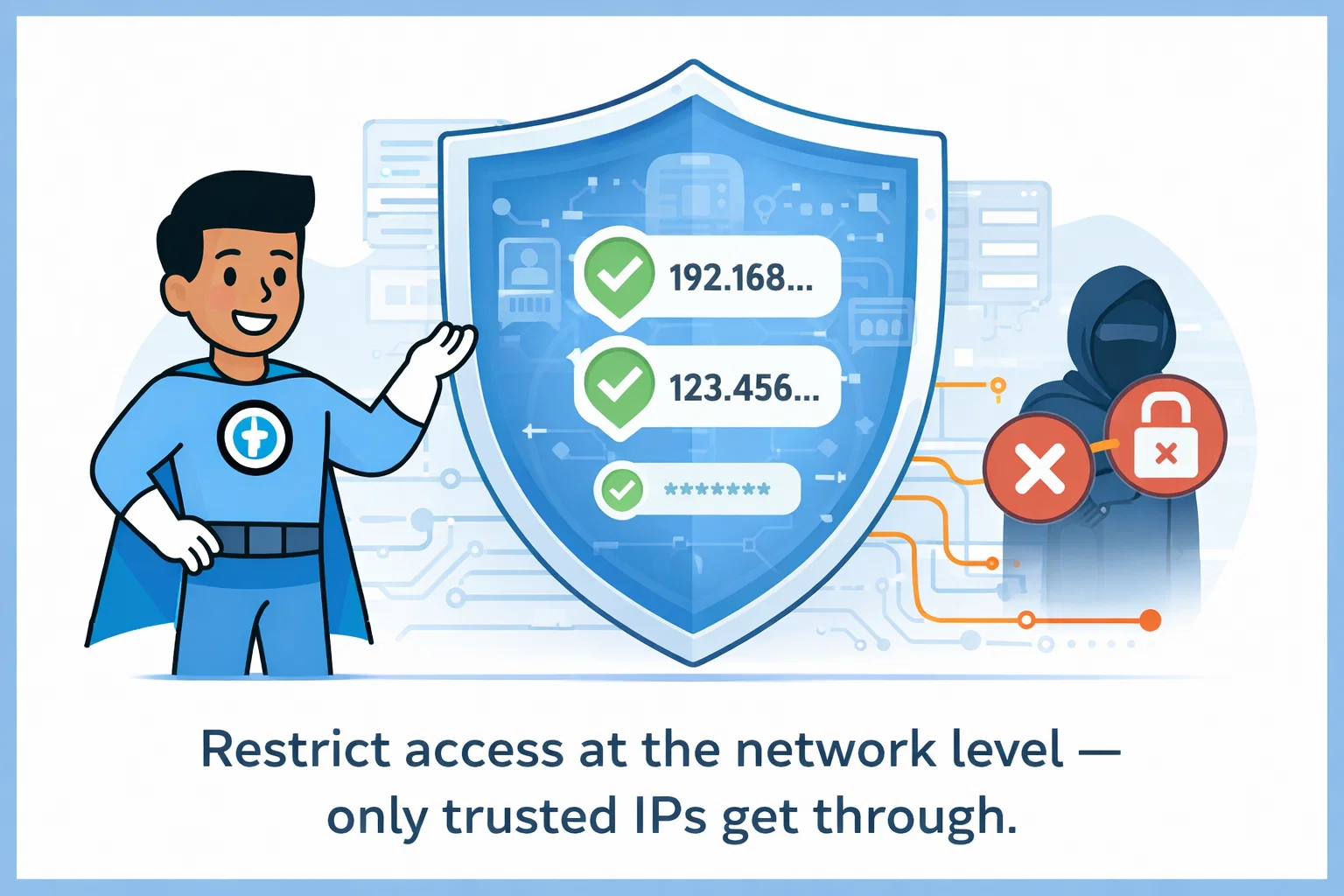
Protecting your IT documentation isn't just about strong passwords - it's about controlling where logins happen. IP-based access control adds an extra layer by requiring users to connect from trusted locations like your office network or corporate VPN. Even if someone has your password, they can't access the portal from a public WiFi or untrusted network without additional verification.
Network-Level Security Through IP Address Management
Unauthorized login attempts and credential misuse remain leading causes of security breaches across organizations. IP access control adds a critical network-level safeguard by restricting access to approved network IP addresses through IP address whitelisting. Instead of relying solely on passwords, IP address restriction filters traffic at the source, preventing access from untrusted locations even if credentials are compromised. IT Portal's IP-based access controls work with your existing authentication controls to reduce attack surfaces, enforce perimeter security, and protect sensitive IT documentation from unauthorized access.
Key Features of IP Access Control
IT Portal's IP access control features enable targeted security controls that protect sensitive IT documentation while keeping access simple for trusted users.
-
01
Targeted Network-Based Access Control
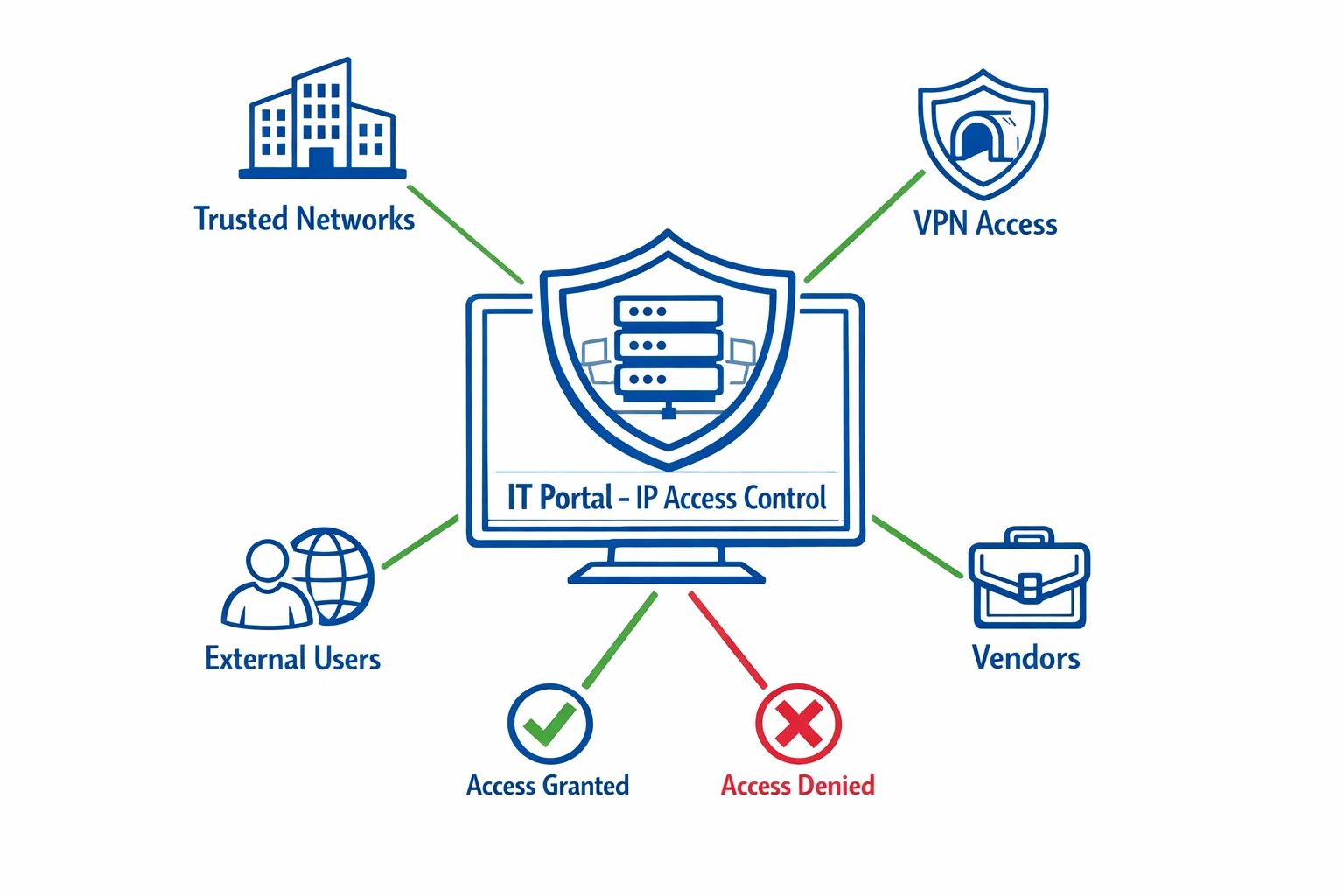
Trusted Network Authorization: Allow portal access only from your office IP ranges or corporate VPN. When a user connects from an unknown network, automatically require two-factor authentication or block access entirely. This prevents unauthorized entry even if passwords are stolen, while keeping your team's office experience seamless.
-
03
Reduced Risk of Unauthorized Access
By enforcing IP address whitelisting, login attempts from unknown or untrusted networks are automatically blocked. This significantly lowers the risk of credential misuse and unauthorized entry.
-
02
Flexible Authentication for Different Access Scenarios
Combine IP address restriction with two-factor authentication when additional verification is required. External users can be challenged with stronger authentication, while internal teams maintain streamlined access.
-
04
Policy-Driven, Customizable Access Rules
Create tailored access policies for employees, remote users, and third-party vendors. IT Portal's IP access control systems let you apply different security requirements based on where users connect from - without disrupting operations.
Real-World Applications of IP Access Control
IT Portal's IP access control adapts to different user types, applying the right protection level based on access location.
-
01
Internal Teams
Employees accessing the portal from approved network IP addresses authenticate normally, maintaining a smooth experience while remaining protected behind trusted office networks.
-
03
Third-Party Vendors
External vendors are secured through IP address restriction, allowing access only from predefined IP ranges and only to the systems they are authorized to use.
-
02
Remote Employees
Remote users connecting via VPNs are validated via IP address whitelisting, with additional authentication applied when access originates from outside approved locations.
-
04
Managed Service Providers
IP access management enforces strict client isolation - preventing cross-client access while meeting compliance and audit requirements. Each client's data stays separate, even when vendors access multiple accounts.
Get Started with IP Access Control in Minutes
- Identify Trusted Networks: List the network IP addresses your teams use: office locations, secure VPN connections, and remote access points.
- Add Approved IP Addresses: Configure trusted IP addresses and ranges in the IT Portal platform - takes minutes to set up.
- Define External Access Rules: Choose how users authenticate from outside approved networks: MFA, block entirely, or require additional verification.
- Apply Role-Based Policies: Set access rules that match real-world usage: different policies for employees, remote users, and vendors.
- Test & Validate: Login from different locations to confirm authorized users access smoothly while unapproved networks are blocked.
- Maintain & Update: Adjust IP restrictions and policies as your network, workforce, or security requirements evolve.
Secure Access by IP
See how IP access control secures IT documentation using trusted network IP addresses, without slowing your teams down.
Start Using IT Portal Today - 90-day money-back guarantee. No long-term commitment.

